
FAQ

My system does not detect XQD cards when using the TX-1CXQ. What should I do?
Answer:
XQD cards require the appropriate XQD driver to be installed on your
system. If the driver is not installed, the card may not be detected.
Please visit the link below to download
and install the correct XQD driver for your operating system (macOS or
Windows), then restart your system and reconnect the reader.
https://blackjetusa.com/pages/software-drivers
Note: Administrator privileges may be required to install the
driver.

My system does not detect SxS cards when using the TX-1S. What should I do?
Answer:
SxS cards require the appropriate SxS driver to be installed on your
system. If the driver is not installed, the card may not be detected.
Please visit the link below to download
and install the correct SxS driver for your operating system (macOS or
Windows), then restart your system and reconnect the reader.
https://blackjetusa.com/pages/software-drivers
Note: Administrator privileges may be required to install the
driver.

1. Hot-swapped the module or media cards, but the system does not detect them. What should I do?
Answer:
Hot-swapping modules or media cards may not function reliably if
performed after the TX-4DS has been powered on. To ensure proper detection,
please follow the steps below each time you power on your
desktop or laptop for the first time of the day (assuming the
Thunderbolt cable and AC power are already connected to the TX-4DS):
- Insert the modules into the
TX-4DS. - Insert the memory cards
into the modules. - Turn the power switch on the
back of the TX-4DS to ON.
Once powered on following this
sequence, the system should correctly detect the modules and media cards.
Note: If the cards are still not detected, please power off the
TX-4DS, remove and reinsert the modules and cards, then repeat the steps above.
2. My system does not detect XQD cards when using the DX-1CXQ module. What should do?
Answer:
XQD cards require the appropriate XQD driver to be installed on your
system. If the driver is not installed, the card may not be detected.
Please visit the link below to download
and install the correct XQD driver for your operating system (macOS or
Windows), then restart your system and reconnect the reader.
https://blackjetusa.com/pages/software-drivers
Note: Administrator privileges may be required to install the
driver.
FAQ: More Info
-
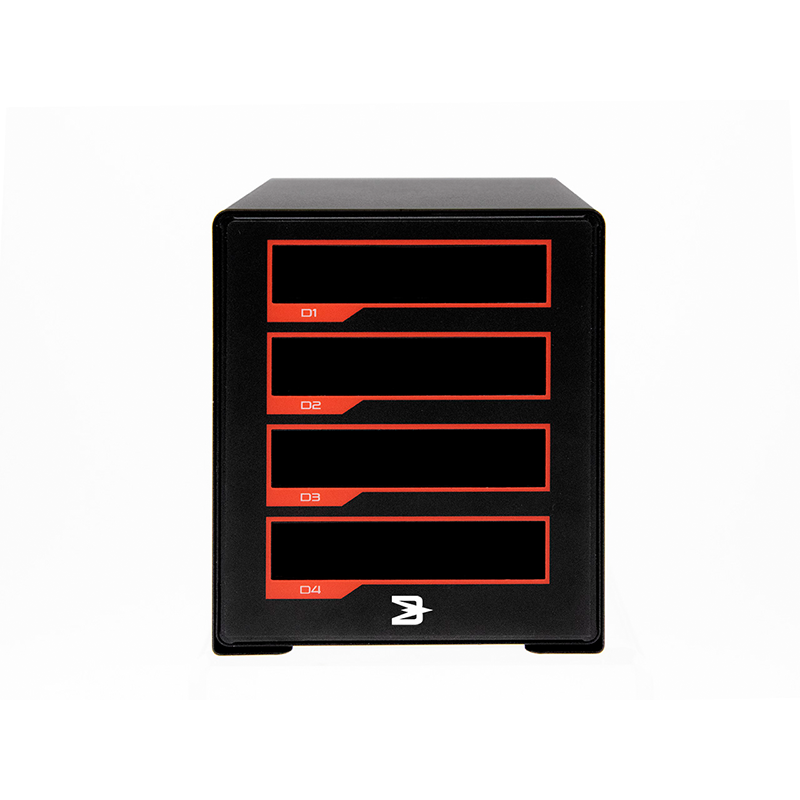
TX-4DS
Learn More -
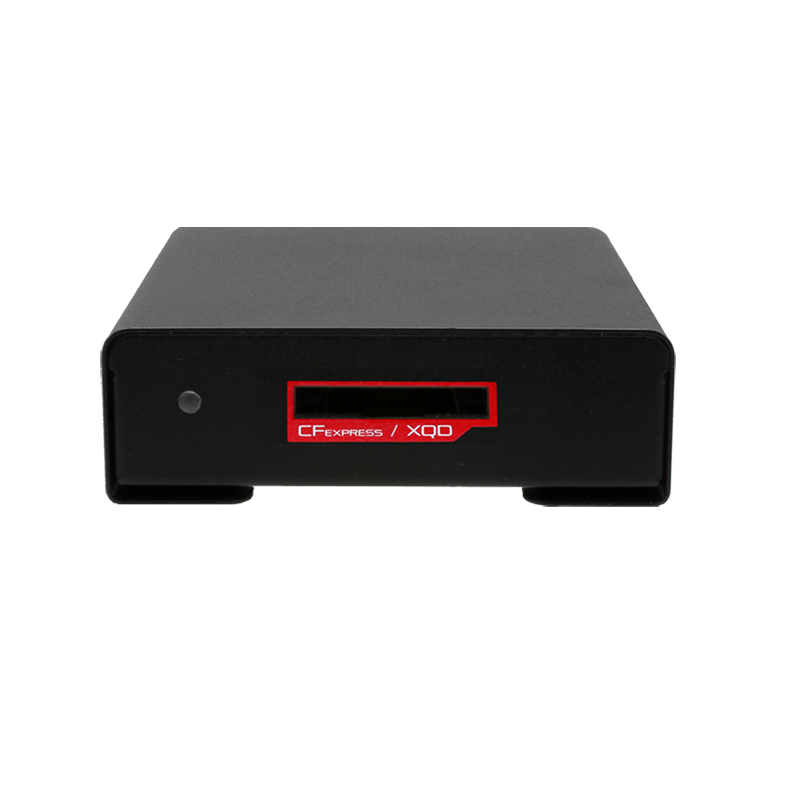
TX-1CXQ
Learn More -
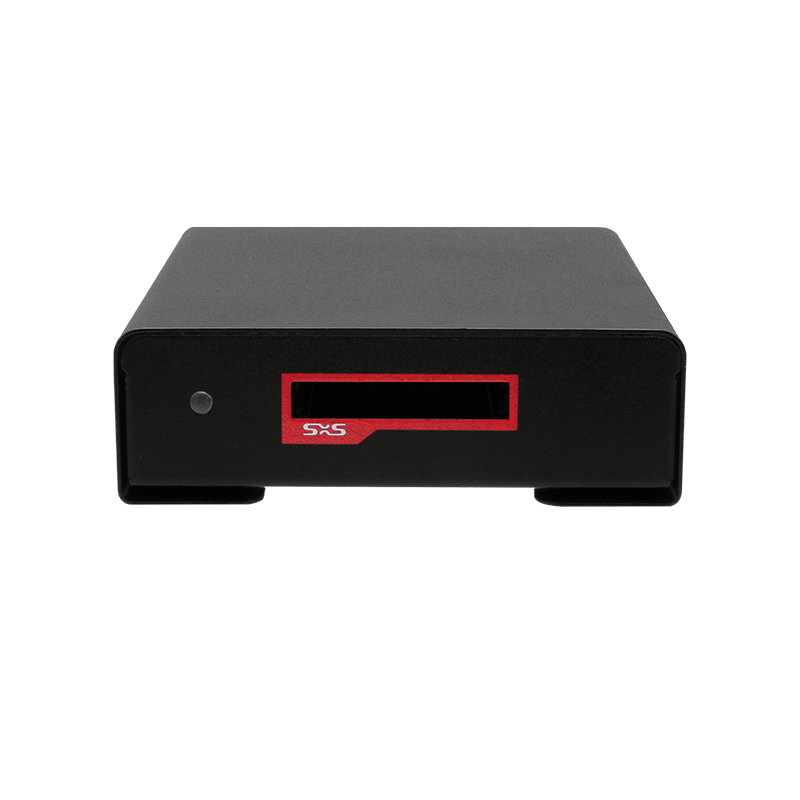
TX-1S
Learn More -
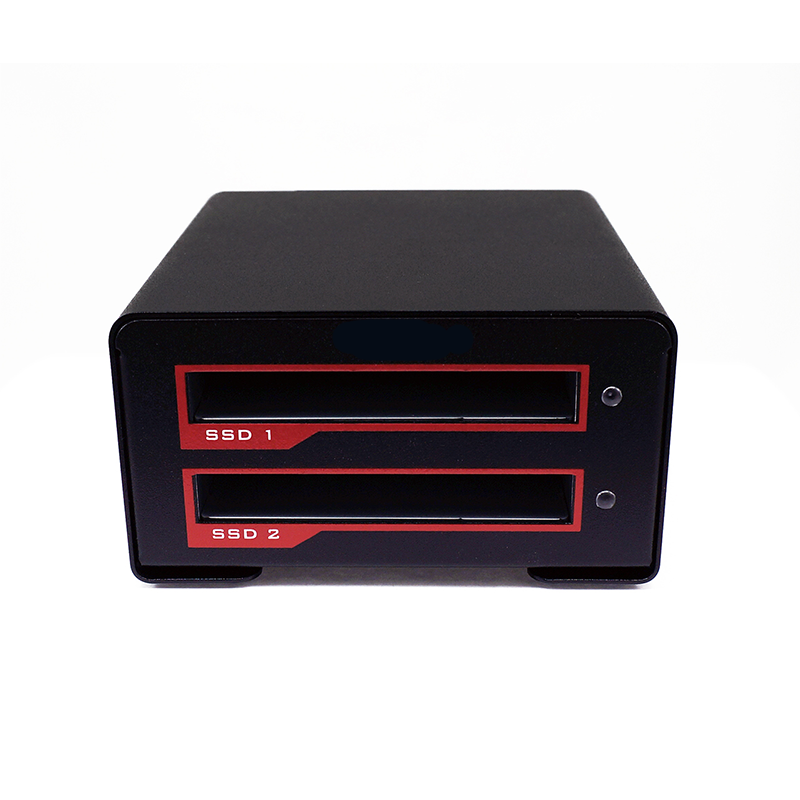
VX-2SSD
Learn More -
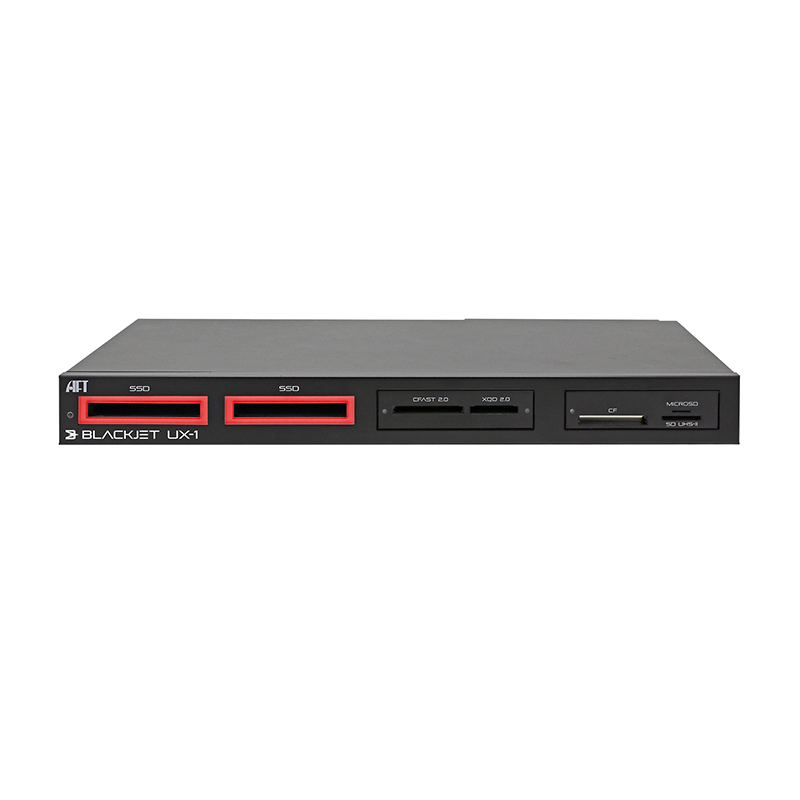
UX-1
Learn More
